The ThinkPad Data Center: Building a High-Density Proxmox HomeLab
A portfolio is more convincing when it behaves like a maintained product instead of a frozen brochure.
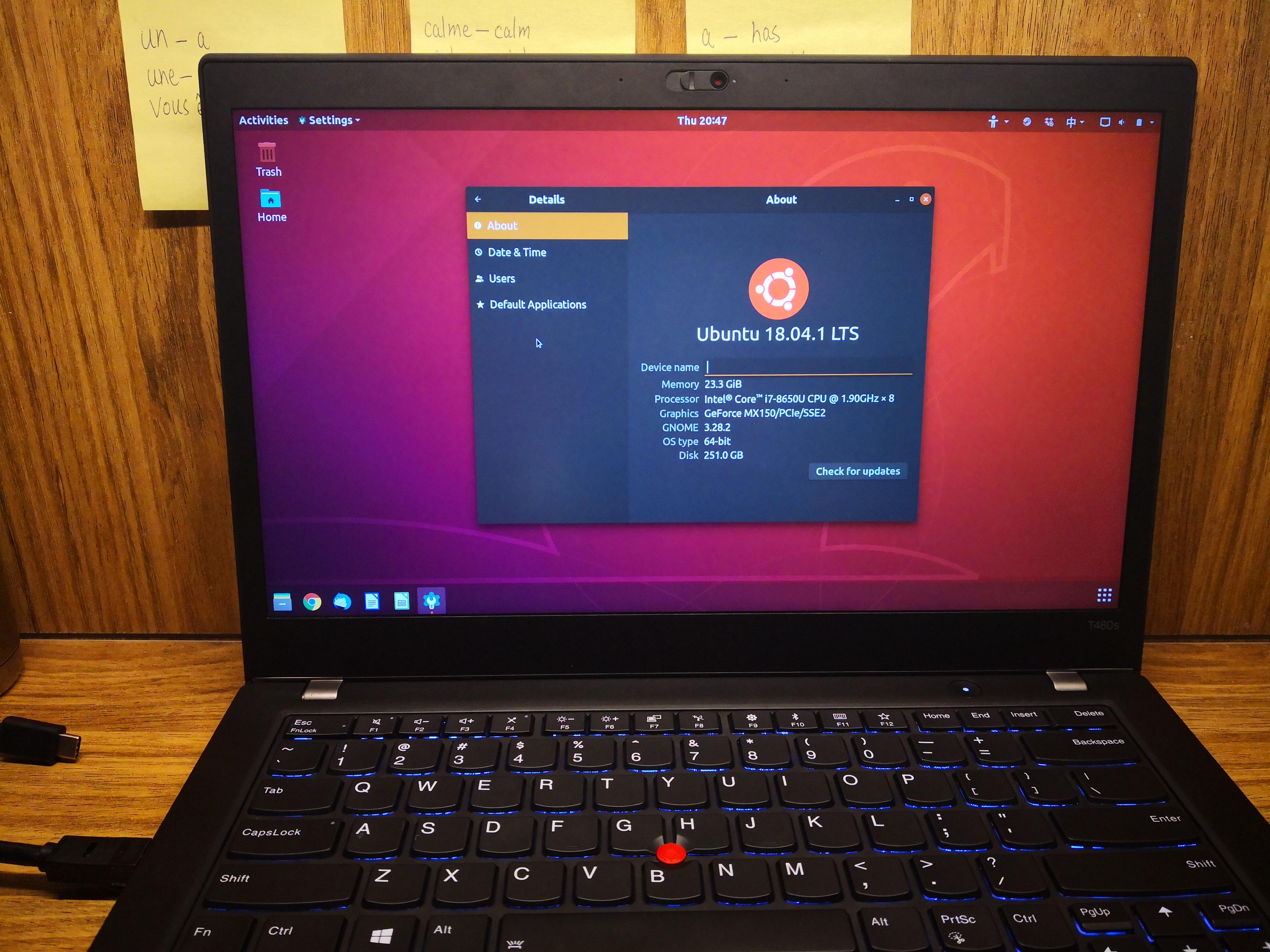
For a long time, my development workflow was "local-first." I had a high-end machine, but it was cluttered. Docker images were fighting for RAM with my IDE, and a single botched configuration could bring my entire workstation to its knees. I realized that to grow as a Full-Stack Engineer, I needed to treat my infrastructure with the same respect I treat my code. I decided to move toward digital sovereignty. I wanted a dedicated environment where I could host my projects, manage my data, and experiment with enterprise-grade networking without the cloud subscription fees. The Hardware: Why the ThinkPad T14s is the Ultimate "Silent" Server Instead of buying a noisy, power-hungry rack server, I repurposed my ThinkPad T14s Gen 1. On paper, the specs are modest but capable:
- CPU: Intel Core i5 (8 Threads)
- RAM: 16GB (A sweet spot for a handful of specialized containers)
- Storage: 1TB NVMe SSD
- The Hidden Feature: The built-in battery. In the event of a power flicker, the T14s acts as its own UPS (Uninterruptible Power Supply), giving the system enough time to stay up or shut down gracefully without corrupting my PostgreSQL databases.
The Foundation: Proxmox VE 9.1.1 I chose Proxmox VE 9.1.1 as the hypervisor. It’s a Type-1 hypervisor based on Debian, and it allows me to manage virtual machines and containers from a single web interface. In my lab, I’ve established a clear hierarchy sitting directly on the metal:
1. The Workhorse: VM 100 (Ubuntu) This is my primary compute node. It’s a full Virtual Machine where I run my Dockerized ecosystem. By isolating the Docker engine inside a VM, I gain a layer of security and the ability to snapshot the entire environment before making major architectural changes. Current docker ps Snapshot: I’m currently orchestrating a diverse stack here. It’s not just one app; it’s a microservice ecosystem:
- The Shared Layer: A
postgres:17-alpineinstance that handles data for all my services. - The Applications: My AI Agent backend/frontend, the "Jovie-Joy" API, and my personal CV site.
- The Utilities:
qbittorrentandjellyfinfor media management.
2. The Specialist: CT 101 (LXC) While VM 100 is for my main stack, I use LXC (Linux Containers) for specific, lightweight tasks. Unlike a VM, an LXC container shares the host's kernel, making it incredibly efficient. I spun up CT 101 with a single click in the Proxmox GUI to host OpenClaw. OpenClaw is a legacy engine, and by running it in a standalone container, I can give it exactly the resources it needs without the overhead of a full OS install. I’ve integrated this with a Telegram bot and OpenAI subscriptions to bridge "old-school" gaming with modern AI capabilities. Storage Architecture: Decoupling Logic and Data A major pitfall in HomeLabs is "Data Gravity." If your data is trapped inside a VM and that VM dies, you're in trouble. I’ve architected my storage to be external:
- NAS Integration: My media and heavy data live on a Seagate/SSD array.
- Mount Points: I use Proxmox to mount these shares directly into my containers. This means I can delete a container or rebuild a VM, and my files stay exactly where they are.
The Professional "Why" Why go through all this trouble?
- SRE Mindset: My Proxmox node currently has 33 days of uptime. That doesn't happen by accident; it requires careful monitoring and resource allocation.
- Infrastructure as Code: I’m not just a "coder." Managing this lab teaches me about NAT traversal, kernel isolation, and shared resource contention—skills that are critical when you're moving from "Developer" to "Architect."
This setup is the silent backbone of bookmountain.work. It’s where my code lives before it ever touches a public user.
Coming up next: The Public Gateway. How I used Cloudflare Tunnels to turn this private IP (192.168.4.106) into a globally accessible domain—all without opening a single port on my home router.